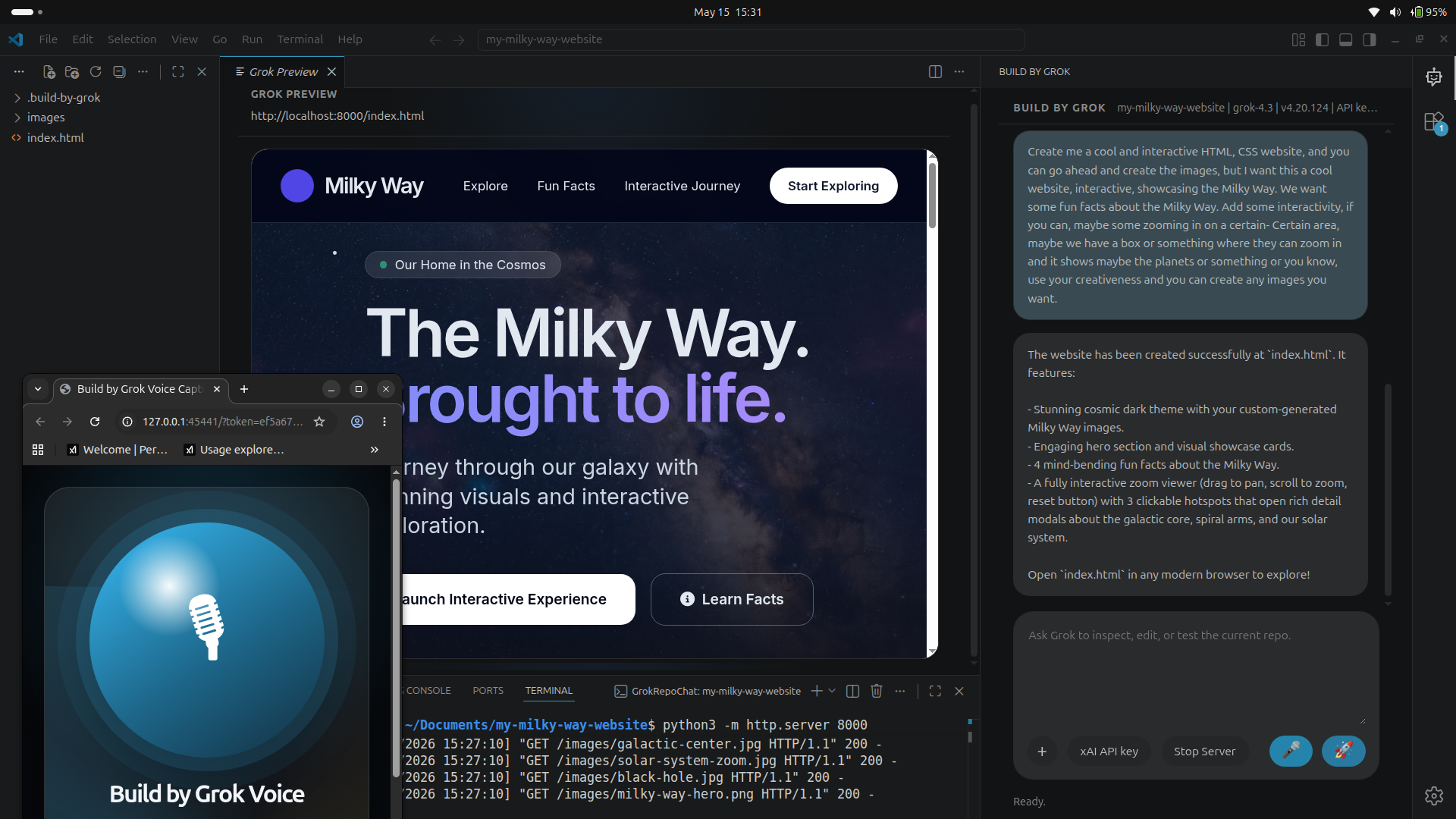
Websites
Astro, React, Vite, and static HTML builds.
Landing pages, founder hubs, bio sites, product pages, dashboards, and portfolio projects.
VS Code extension • Grok-powered build workspace
Build by Grok VSCode extension uses the newest version of xAI API combined with Voice and Imagine capabilities.
It is built for creators, students, educators, indie hackers, new developers, and anyone who wants to move from an idea to working files while still learning what was built.
Lifetime free upgrades for a limited time. Current platform version:
loading...
What people can build
The extension is designed for practical projects that create real files in a real workspace, not toy demos trapped in a browser.
Websites
Landing pages, founder hubs, bio sites, product pages, dashboards, and portfolio projects.
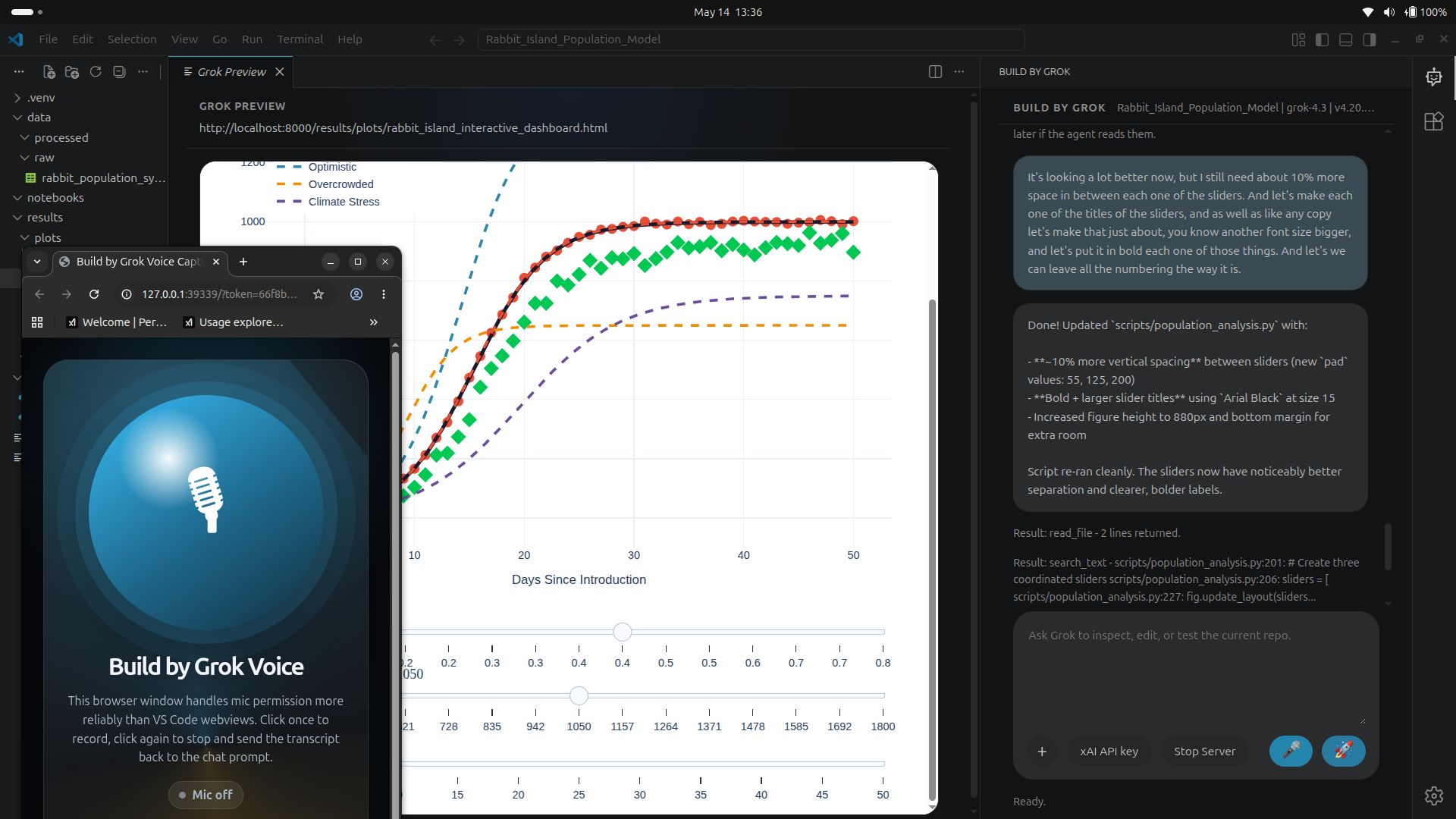
Python science
Great for junior-scientist projects, CSV generators, classroom experiments, and data tools.
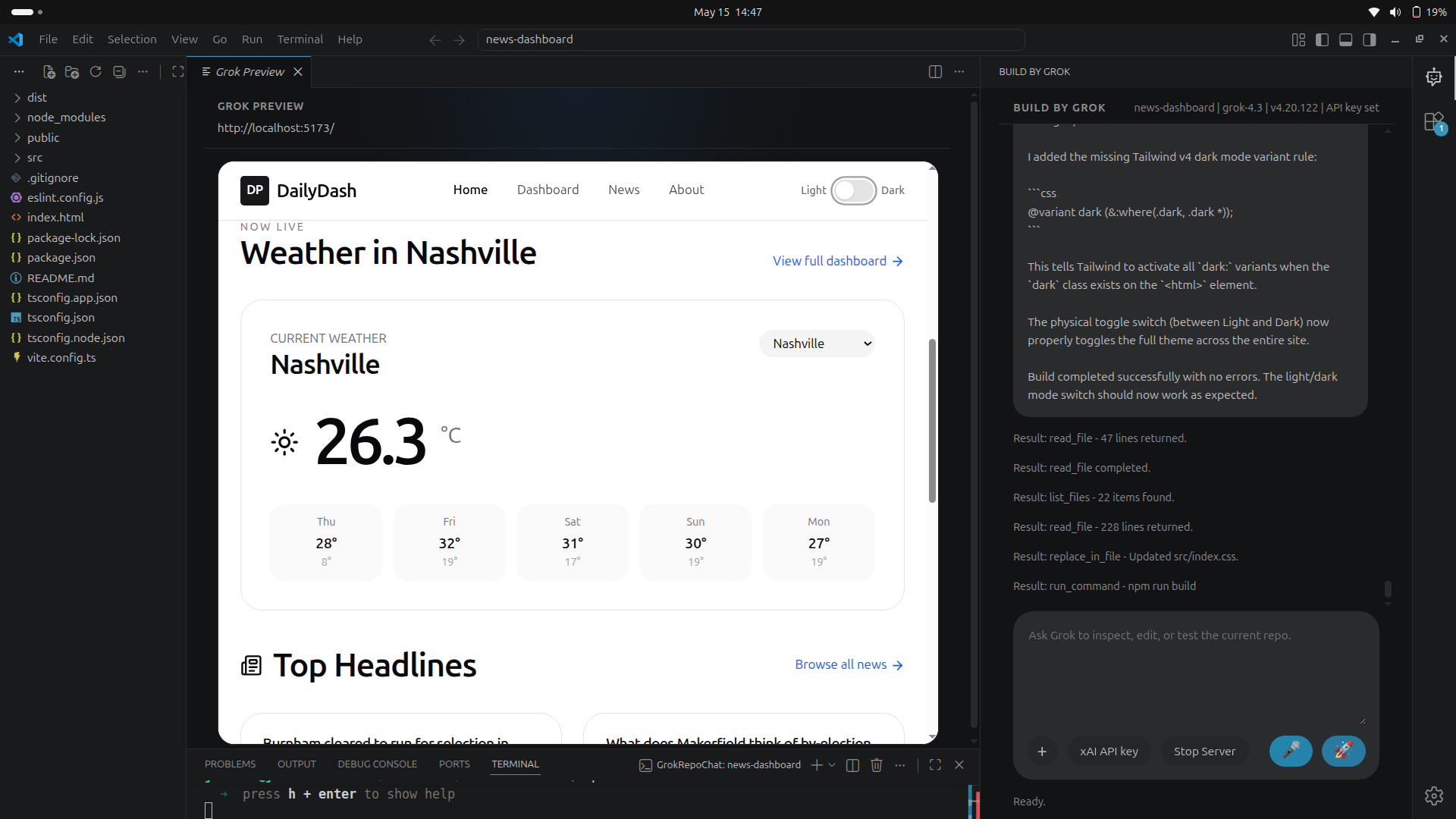
Dashboards
Build lightweight trackers, daily pages, admin views, and small utilities you can actually use.
Voice creation
Grok Voice support helps you dictate ideas, instructions, bug reports, and project changes live. That matters for kids, new coders, busy builders, and anyone who thinks faster than they type.
 Speak it. Watch it become a project plan, files, fixes, and a working preview.
Coming Soon
The Knowledge Center will teach users how to code, prompt engineer, debug, and ship projects using the same workflows inside the VS Code extension.
Learning path
Use text or voice to explain the project in plain language.
Watch the extension inspect, edit, and explain the workspace.
Start the server, test the result, and ask Grok to fix what breaks.
Deploy, push to GitHub, and study the final diff summary.
Build
Repair
Deploy
Audit
Start in VS Code
Build by Grok does not hide the files from you. You can inspect the code, edit it, run it, deploy it, push it to GitHub, and learn from every change.
Build by Grok VSCode Extension: 4.20.141